

 Now Available for WearOS
AI on your wrist.
Get instant answers, take quick notes, and stay productive,
without ever reaching for your phone.
Free AI Access
Get up to 50 free messages every day
One-Tap Access
Add Hopper to your watch face for one-tap access to voice chat
No Phone Needed
Completely standalone, Hoppers only needs an internet connection
Choose Your Path
Two simple ways to get started. Pick the one that fits your needs.
Free AI Access
Start using Hopper in under 2 minutes.
Download Hopper Watch App
Get the watch app from the Google Play Store.
Create Your Account
Sign up to unlock free AI access, no credit card needed.
Start Chatting!
Enjoy up to 50 free AI messages every day.
Bring Your Own API Key
Unlimited usage, and complete control.
Download Both Apps
Get the watch app and phone app from the Google Play Store.
Add Your API Keys
Add your OpenAI API key in the phone app.
Start Chatting!
Use your own API with unlimited messages.
Make your day easier with Hopper
Free AI Access
Get up to 50 free messages every day. No subscription required.
No Phone Needed
Stay productive without your phone. Only needs an internet connection on your watch.
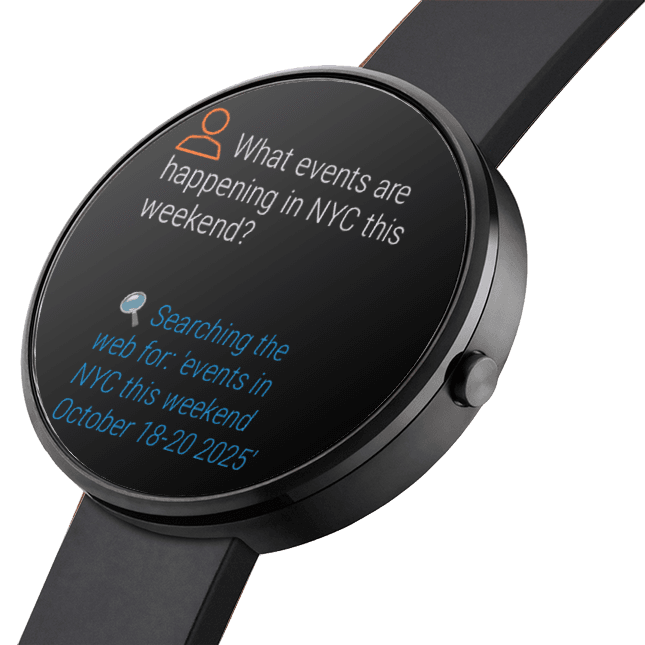
AI with web search
Hopper searches the internet to answer queries it can't answer on its own.
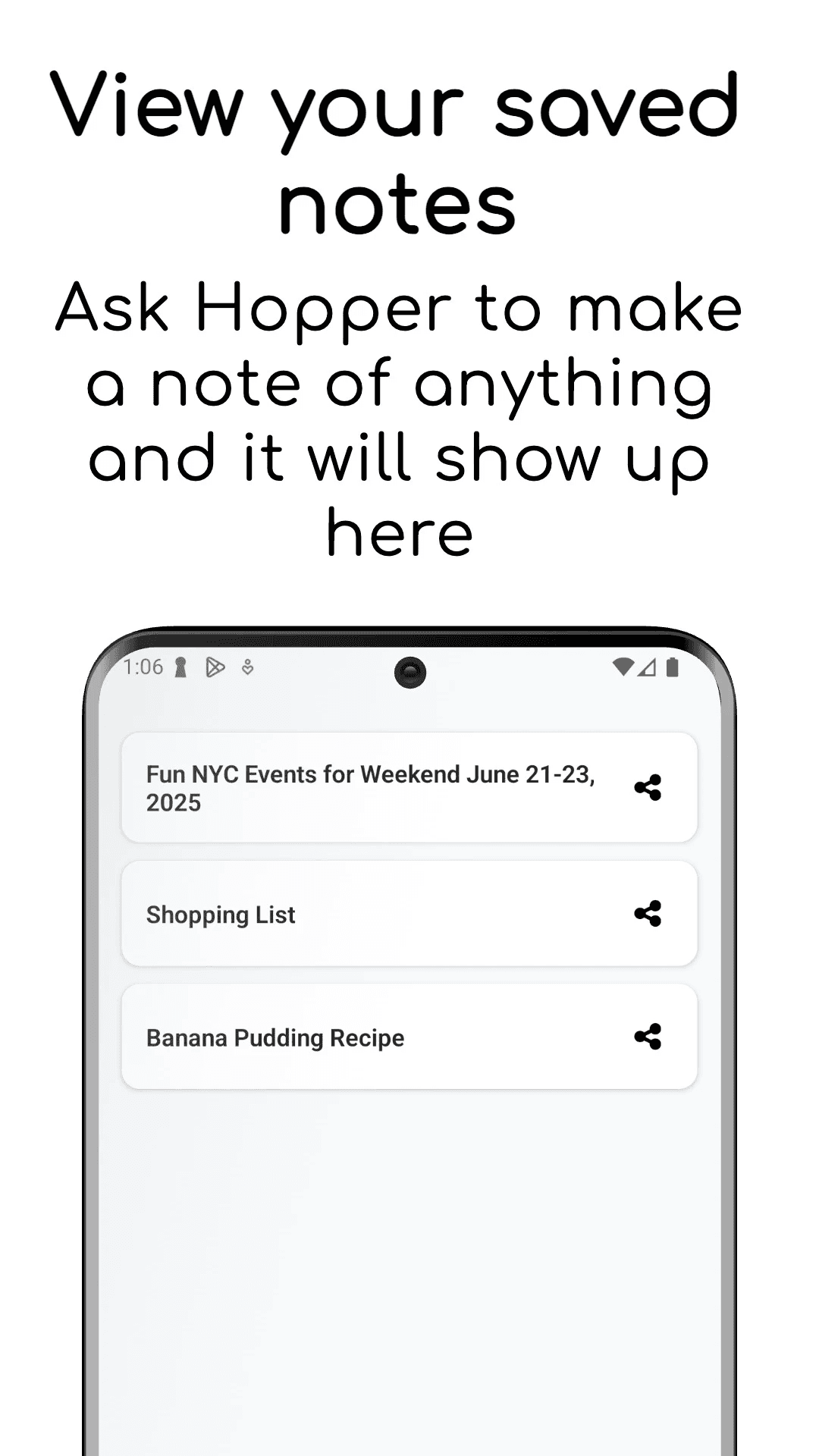
Save & search notes
Instantly save AI answers or voice notes to your searchable notes library.
Connect AI to apps
Unlock Hopper's maximum potential with tool integrations like Notion, Jira, using MCP.
Bring your own API Key
Use your own OpenAI API key to access the latest models. Maximum privacy.
Do more on the phone app
Take control with the Hopper AI companion app for Android. View your saved chats, manage notes, configure your API settings, and set up custom MCP tool integrations—all from your phone.
Browse Saved Chats
Access your complete conversation history with powerful search
Manage Notes
Organize and edit your voice notes and AI-saved responses
Configure Settings
Update your API key and customize MCP tool integrations
Lifetime access
One-time payment
Frequently Asked Questions
Read our guide on how to get your ChatGPT API keys.